
Protect your data

Windows dominates your server estate. Cybee is built for that.

Around 80% of production servers at our partner Nuabee’s clients run on Windows. Cybee offers two complementary backup modes — file-level and system image — both built on the same open-source engine.

Windows at the heart of enterprise IT

Active Directory, SQL Server, Exchange, file servers, line-of-business applications: in the vast majority of organisations, Windows infrastructure is mission-critical.

Windows backup presents specific challenges that generic solutions struggle to address properly:

  • Files are often open and locked by running applications — a standard backup cannot capture them without risk of corruption.
  • Transactional databases require application-consistent capture to ensure recoverability.
  • Large volumes (several terabytes of data) demand short backup windows and efficient deduplication mechanisms.
  • Restoration requirements vary radically depending on the incident scenario: restoring a single file is not the same operation as rebuilding an entire server.

To address all of these realities, Cybee offers two complementary backup modes, each optimised for specific use cases.
The realities of enterprise Windows environments

🖥️ Many critical enterprise servers still run Windows

80% of the server park managed by our partner Nuabee runs on Windows, including many servers hosting databases and critical applications.

🎯 82% of cyberattacks prioritize backups as their primary target to force the ransom payment

Backup solutions are targeted by cyberattackers.

Therefore, mechanisms that make backups invisible, immutable and air-gapped are indispensable and the core of our solutions.

⏱️ Controlled RTOs: choosing the right backup approach

The difference between restoring a single file in minutes and rebuilding a full server in hours depends on the backup mode chosen from the outset.

Two modes, two answers, one solution

Faced with the varied needs of Windows environments, there is no single correct answer, there are two.

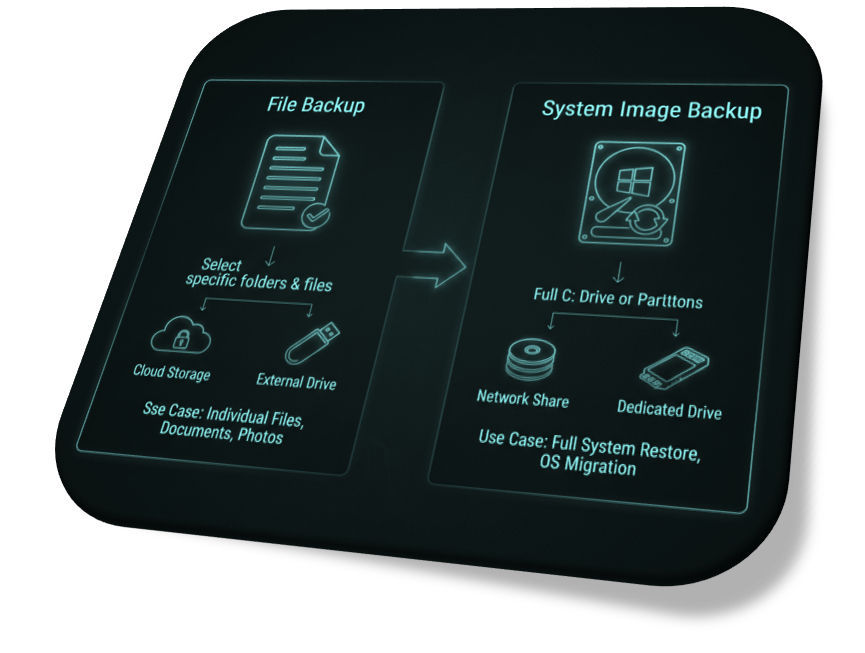
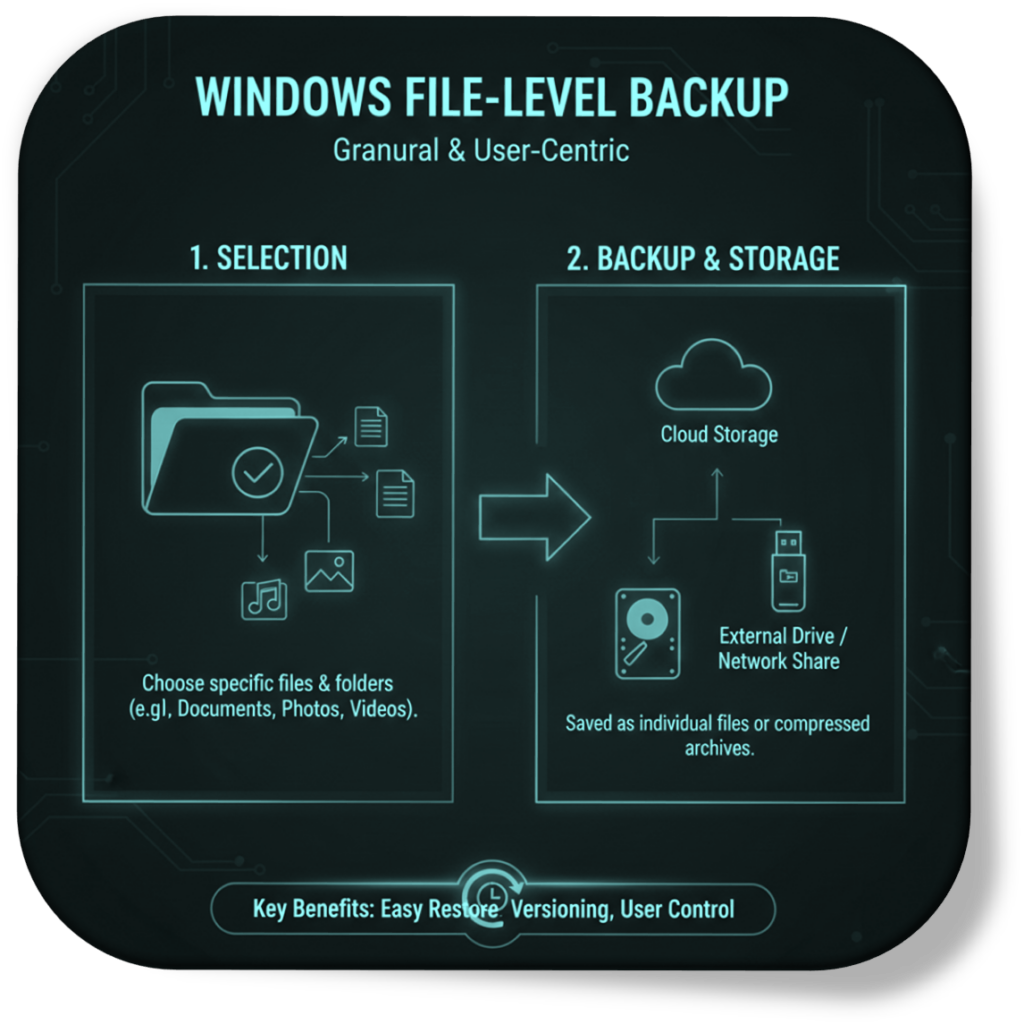
  • File-mode backup protects your data with maximum granularity. It is fast, storage-efficient, and enables restoration of individual files, folders, or entire shares.
  • Image-mode backup captures the complete state of your system (OS, installed applications, configuration, data) in a single consistent point in time.

Cybee integrates both modes in a unified interface, orchestrated by the same engine, Restic, and managed from a single console.

Windows high lever backup

The Cybee agent scans your Windows file system (NTFS or ReFS) and captures only the files that have changed since the last backup.

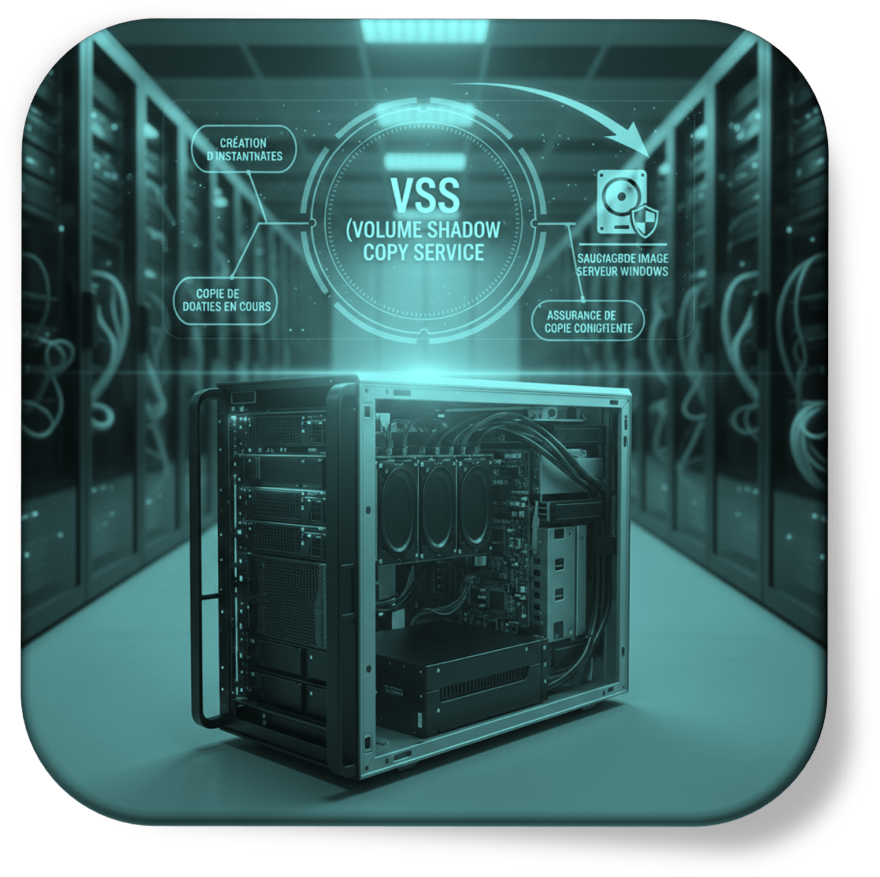
Consistency for open files is ensured via the native Windows service VSS (Volume Shadow Copy Service), which creates an instantaneous snapshot of the volume without interrupting running applications.

Only changes since the last backup are transmitted, thanks to Restic’s incremental mechanisms (block-level deduplication with content-defined chunking).

Image mode: bare-metal restoration and guaranteed business continuity

Image backup captures the complete state of a volume: operating system, installed applications, settings, and data — everything, in a single consistent backup object.

Unlike a file backup, an image restore does not require reinstalling Windows, reconfiguring applications, or restoring data separately. Everything is there, in one coherent backup object.